
For players in Argentina, the key is to use official channels only, since external downloads may lead to fake files or cloned versions of the website. This article explains how the mobile version works, what to consider before installing a MyStake APK, how to use MyStake on an iPhone, what the MyStake Casino App offers, and what to do when login, connection, or installation errors occur.
MyStake is operated by GTW B.V., a company registered in Curaçao under number 165433 and licensed by the Curaçao Gaming Authority under license OGL/2024/250/0115. CYGTW LTD, registered under number HE 462903 with a legal address at Poreias 2, 3011 Limassol, Cyprus, acts as the payment agent for GTW B.V. The brand also publishes its official social media channels through linktr.ee/mystake_official.
Is It Safe to Download the MyStake App in Argentina?
Using the MyStake App is safe only when access begins through the official website or verified social media channels. The main risk is not the mobile version itself but downloading a modified APK from a third-party website.
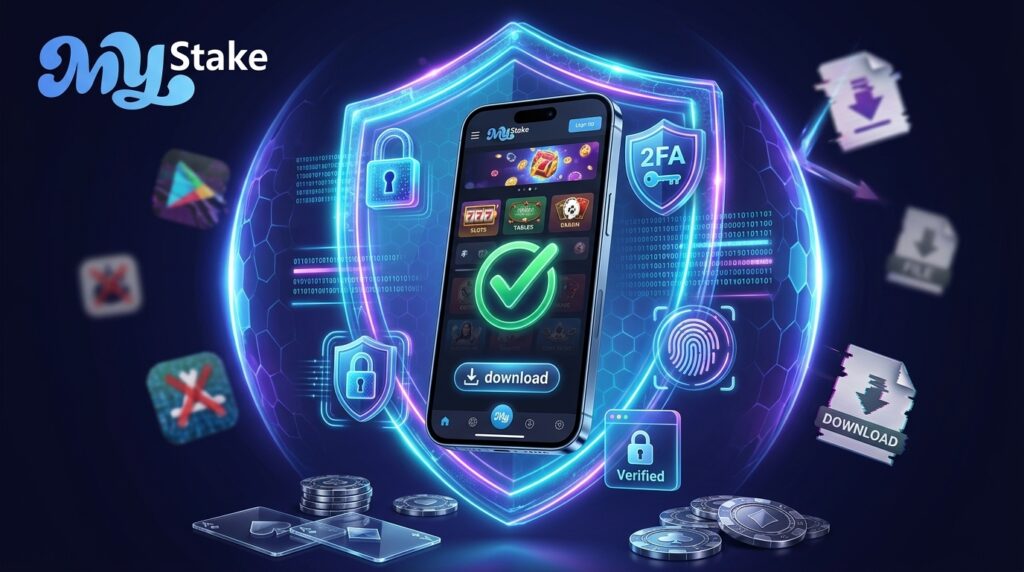
A fake file may copy the MyStake design, request your login details, and steal account, payment, or KYC information.
Online gambling in Argentina is regulated at provincial and jurisdictional levels. MyStake should not be confused with an operator holding a local Argentine license, as it operates under an international Curaçao license.
Before using the MyStake application, check whether the website permits access from your location and whether the relevant payment methods appear correctly in the cashier.
Any search for a MyStake App download should lead to the official website, not forums, Telegram groups, or suspicious mirror websites. Installation may be convenient, but only when the file comes from a trusted source.
Basic Security Rules
- Access MyStake only through its official domain.
- Avoid APK files published on forums, Telegram, or mirror websites.
- Do not use a MyStake mirror unless it has been announced through official channels.
- Enable two-factor authentication before depositing.
- Do not save your password on shared mobile devices.
| Risk | What may happen | How to avoid it |
|---|---|---|
| Fake APK | Theft of login or payment information | Download only from the official source |
| Fake mirror | Phishing or fraudulent redirection | Verify the domain and official social channels |
| Cloned app | Malware or invasive advertising | Avoid unknown APK stores |
| Suspicious VPN | Account restriction or additional review | Use a stable connection from Argentina |
What You Can Find Inside the MyStake App
The MyStake App is more than a reduced version of the website. The mobile experience brings the casino, sportsbook, mini games, promotions, cashier, VIP Club, and support together in one environment.
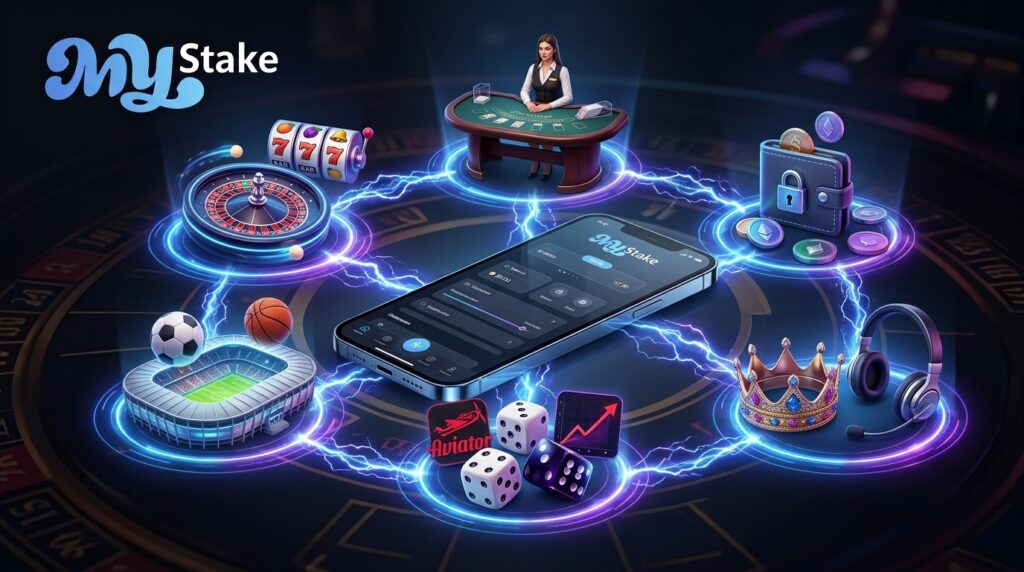
Through the MyStake Casino App, users can play slots, live table games, fast games, and MyStake Originals. Sports betting is also available from the same mobile account and balance.
The official website and brand materials include sections such as Casino, Live Casino, Sports, Mini Games, tournaments, and exclusive products.
In practice, the MyStake Casino App serves three main types of users:
- Casino players.
- Sports bettors.
- Users who prefer fast-round mini games.
For players in Argentina, the cashier is especially important. Through the app or mobile website, users can check available methods, make deposits, request withdrawals, upload KYC documents, and contact support.
When Mercado Pago or another local method appears in the account, it is managed through the same mobile cashier.
Main Features
- Online casino and live casino.
- Sports betting and live events.
- Mini games and Originals.
- Mobile cashier for deposits and withdrawals.
- VIP Club, promotions, and customer support.
How to Download the MyStake APK for Android
On Android, the MyStake APK should be installed only when the file comes directly from the official website.
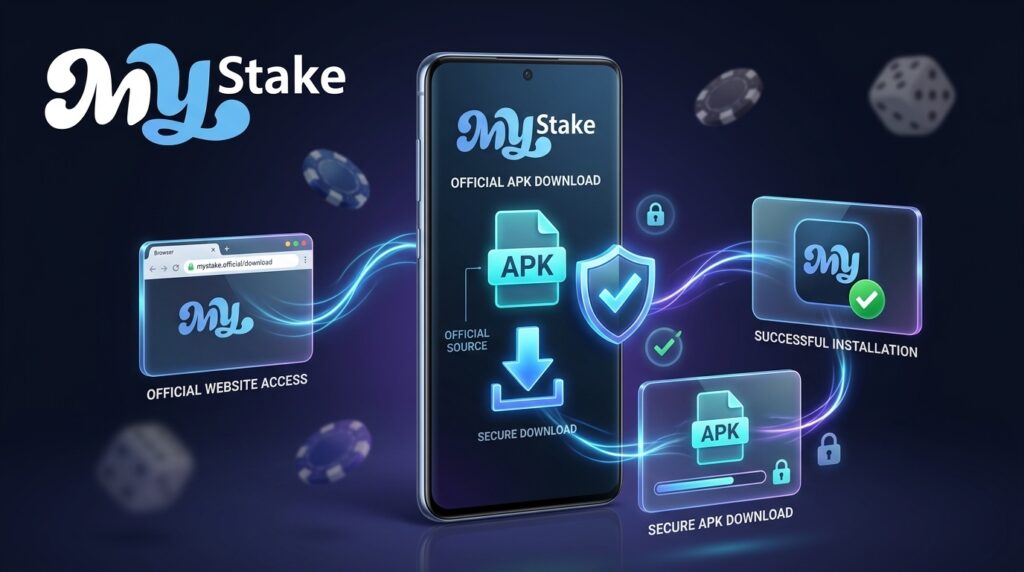
When the download button does not appear for your region, the safest alternative is to use MyStake through a mobile browser. Searching for a MyStake APK on external websites may lead to a modified copy or a file designed to steal information.
Android allows APK files to be installed outside Google Play, but this does not mean that every file is trustworthy. The risk is higher with a MyStake Casino APK because users may enter login, payment, and verification information.
Avoid files advertised as:
- “Premium version.”
- “Unlocked APK.”
- Access through an unofficial mirror.
- Modified or hacked versions.
To download MyStake on Android, open the official website in Chrome, look for the mobile application section, and follow the instructions displayed there. When no download is available, use the mobile website.
Safe Installation of the MyStake APK
To install a MyStake APK, open MyStake through Chrome or another browser on your Android device. Look for an official mobile app section or download button.
When one is available:
- Download the file directly from the official website.
- Open it from the downloads folder.
- Allow installation only for the browser being used.
- Complete the installation.
- Disable permission to install apps from unknown sources afterward.
Disabling the permission after installation reduces the risk of another app installing files without your approval.
When the file produces an error, do not search for a replacement APK on external websites. Delete the file, restart the browser, and try again through the official domain.
To reduce installation errors, keep the operating system updated, maintain sufficient free storage, use a stable connection, and update Android System WebView.
| Recommended requirement | Android |
|---|---|
| Download source | Official MyStake website |
| Free storage | At least 100 MB recommended |
| Security | Two-factor authentication enabled |
| Browser | Chrome or another updated browser |
| Permissions | Unknown sources enabled only during installation |
| Alternative | Mobile website when no official APK is available |
MyStake App for iPhone and the iOS Alternative
An APK cannot be installed on an iPhone because that format is exclusive to Android.
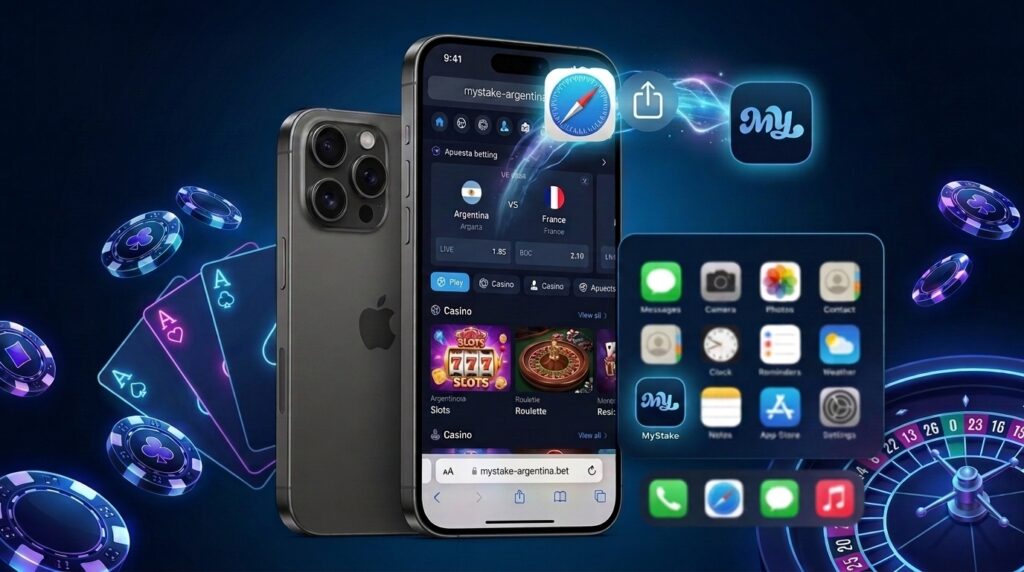
For iOS, the most practical option is to use Safari and create a shortcut on the home screen. This works like a web application and allows users to open MyStake without searching for an App Store download.
To use MyStake like an app on an iPhone:
- Open Safari.
- Visit the official website.
- Tap the Share button.
- Select Add to Home Screen.
- Confirm by tapping Add.
The icon will then appear on the home screen.
This method avoids external downloads and is safer than searching for a supposed iOS app on unofficial websites.
| Device | Best option | Does it require an APK? | Main risk |
|---|---|---|---|
| Android | Official APK or mobile website | Only when available on the official site | Fake APK |
| iPhone | Safari and home-screen shortcut | No | Cloned websites |
| iPad | Safari | No | Fake mirrors |
| Android tablet | Mobile website or official APK | Official source only | Modified file |
Bonuses Available in the MyStake App
Available MyStake bonuses in the app depend on the active promotion, the country, and the individual account.
The app should not reduce the promotional experience. When a bonus is available for your profile, it can normally be viewed through the mobile version or MyStake Casino App.
Before depositing from a mobile device, review the promotions section. Some regional pages may mention welcome bonuses, free spins, reload offers, and cashback, but the amounts may change.
The valid information is the offer displayed inside your account before the deposit.
Before activating a bonus through the MyStake Casino App, check:
- Minimum deposit.
- Bonus percentage and maximum amount.
- Wagering requirements.
- Games contributing toward rollover.
- Maximum permitted stake.
- Expiration date.
Searching for a MyStake Casino download through an unofficial source may lead to a cloned platform displaying fake promotions. Bonus activation should take place only within the genuine platform.
Common MyStake App Problems and How to Solve Them
Problems with the MyStake App generally fall into three categories:
- Installation.
- Connection.
- Login.
In Argentina, errors may also result from VPN use, unstable networks, or unofficial files.
Android Installation and APK Errors
When Android blocks the MyStake APK, check whether the browser has permission to install files.
When the message “damaged file” appears, the download may be incomplete or may have come from an unsafe source. Delete the file and return to the official website.
When installation does not progress:
- Free up storage space.
- Restart the phone.
- Update Android System WebView.
- Check whether an older version is causing a conflict.
- Download the file again from the official source.
When the app closes unexpectedly, use the mobile version temporarily and contact support with:
- Device model.
- Android version.
- Screenshot of the error.
- Description of what happened.
Login and Connection Problems From Argentina
When you cannot log in to MyStake App, use the Forgot Password option and check the email address linked to the account.
When two-factor authentication is enabled, make sure the phone’s time is set automatically. Google Authenticator or Authy codes may fail when the device clock is out of sync.
When the website does not load:
- Switch between Wi-Fi and mobile data.
- Restart the browser or app.
- Check the official domain.
- Avoid VPN connections from restricted countries.
- Clear temporary browser data where necessary.
VPN use may trigger restrictions or additional security checks.
For assistance, use the website chat or the official channels linked by MyStake.
Player Opinions About the MyStake App in Argentina
Reviews of the MyStake App often highlight the convenience of accessing the casino, sportsbook, and cashier from a mobile device.
Users looking for a casino app may appreciate not having to switch between multiple accounts to play slots, bet on sports, or review promotions.
The most common criticism concerns the download process. Some users expect to find the app in Google Play or the App Store and end up searching for APK files on external websites.
This is the most sensitive point: the mobile experience may be convenient, but only when accessed through the correct source.
| What users value | What causes concern |
|---|---|
| Casino and betting from a mobile device | A native app may not always be available in official stores |
| Mobile cashier and support | Fake APK files on external websites |
| Mini games and Originals | Confusion involving mirror websites |
| Same account and balance | KYC before withdrawals |
MyStake App FAQ
-
Can I Try Games Before Risking Real Money?
Yes. Many slots and games offer demo or practice modes, although availability depends on the provider.
From the MyStake App or mobile version, open the game and look for a demo option. It is useful for understanding the rules, volatility, and mechanics before playing with real money.
-
What Are MyStake Mini Games and Originals?
Mini games are games with short rounds and simple rules. In the app, they appear alongside casino games and the sportsbook and use the same account balance.
Originals generally refers to proprietary or highlighted platform games designed for fast mobile sessions.
-
Can I Use MyStake on an iPhone?
Yes. An iPhone does not use a MyStake APK. Instead, open the official website in Safari and add it to the home screen to use it like a web app.
This option is safer than searching for external downloads and maintains access to the casino, betting, cashier, and support.
-
How Do I Contact Support When Something Goes Wrong?
Open the official website through a browser or the app, when installed, and access the support chat.
For problems involving KYC, deposits, withdrawals, the MyStake application, or APK installation, prepare:
Screenshots of the error.
The email address associated with the account.
Device model.
Operating-system version.
Clear description of the problem.